EPFO Portal Down But You Still Need Urgent Help? 5 Hidden Ways to Check Balance, Submit Grievances & Get Claims Resolved Right Now
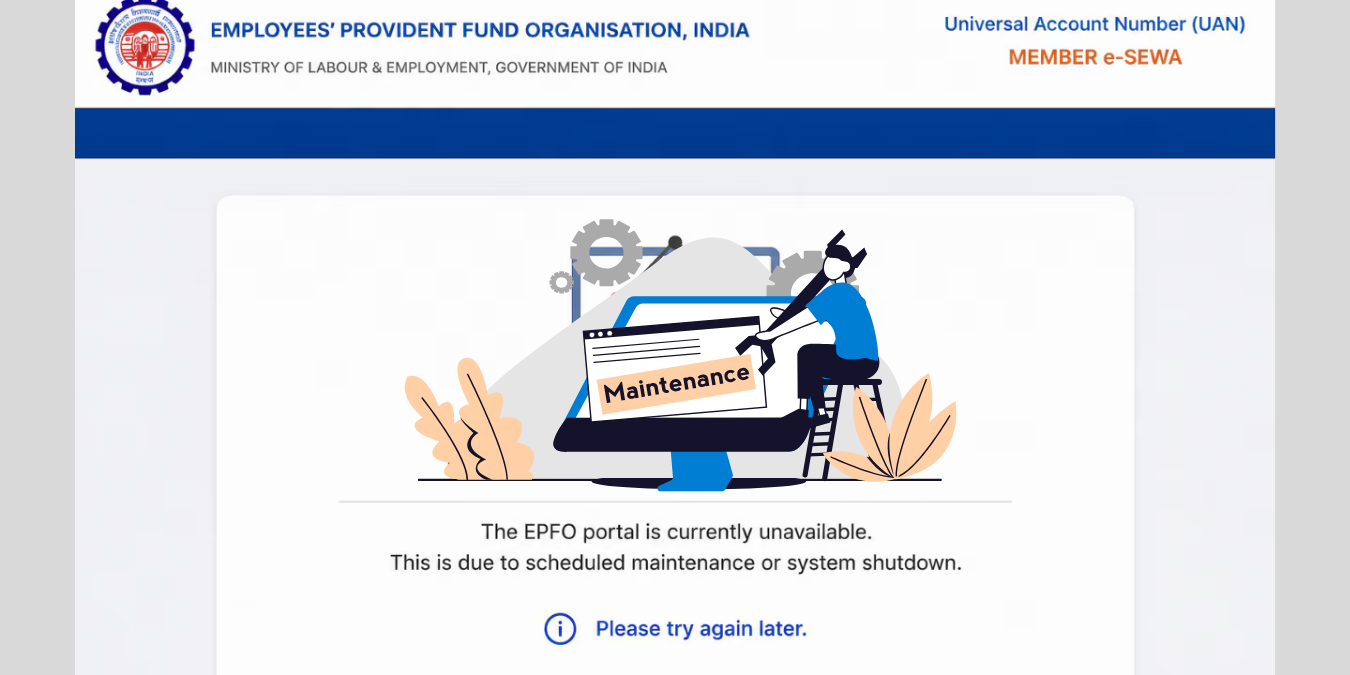
If you opened the EPFO Unified Member Portal today and found it completely unresponsive, you are not imagining things — and you are definitely not alone. As of June 26, 2026, the Employees’ Provident Fund Organisation officially suspended all its online claim submission, processing, and passbook services for a scheduled technology migration that runs through June 28, 2026, at 11:59 PM. Making matters more stressful, the UMANG mobile application — which millions of subscribers rely on as a backup — remains blocked until July 2, 2026. That is a potential four to five day blackout if your needs are urgent, your medical bills are piling up, or your family is waiting on a PF withdrawal you submitted weeks ago.
But here is what EPFO’s official notifications and technical helplines confirm: the portal going dark does not mean your options disappear. There are five real, tested, and currently operational pathways that let you check your PF balance, file a formal grievance, and even push an urgent claim forward — right now, without a single internet login. This article breaks all of them down, step by step, with the exact numbers, links, and methods that actually work during a portal outage.
Why the Portal Is Down (And What It Means for Your Claim)
Understanding the nature of this outage is critical before you start troubleshooting. This is not a random server crash. EPFO has undertaken a deliberate, planned database migration and technology upgrade — a backend overhaul designed to improve the speed and reliability of claim processing for crores of subscribers across India. The organization publicly issued a high-alert advisory on its member interface confirming that the shutdown is scheduled, not accidental.
What this means practically: claims you submitted before June 26 are safe and will not be cancelled or rejected — they will simply resume processing once systems come back online. New claim submissions, ECR filings by employers, UAN linking for new employees, e-passbook access, and all UMANG-based services remain suspended until the respective restoration dates. Critically, EPFO has explicitly confirmed that its offline and telephone-based communication channels will remain fully active throughout the entire migration window. This is your opening.
Method 1: The Missed Call Balance Check (Instant, Free, and Always On)
This is the single fastest way to know your current PF balance during any portal outage, and most subscribers are unaware it exists. EPFO operates a dedicated missed call service that works 24/7 regardless of server status. All you need to do is give a missed call from your UAN-registered mobile number to 011-22901406. The call disconnects automatically after two rings, and within minutes, you receive an SMS on the same number containing your current PF balance, recent contributions, and basic account details.
There is one firm prerequisite: your UAN must be seeded with your Aadhaar, PAN, and active bank account details for this service to work. If your KYC is incomplete, the system will not respond. But if your account is KYC-compliant — which it should be if you have ever withdrawn or transferred PF — this is the most reliable and immediate option available to you right now. No app. No internet. No login. Just one missed call.
Method 2: SMS Balance Query in Your Regional Language
If you prefer text-based confirmation — or want a record you can screenshot — EPFO’s SMS service delivers balance information directly to your registered mobile number. Send an SMS from your UAN-linked phone number to 7738299899 with the message format: EPFOHO UAN ENG. Replace “ENG” with your preferred language code to receive the response in Hindi (HIN), Marathi (MAR), Tamil (TAM), or other supported regional languages, which is particularly helpful for members across states like Uttar Pradesh, Maharashtra, or Tamil Nadu.
This service is lightweight, does not require a smartphone, and works on basic feature phones — a significant advantage for workers in manufacturing, construction, and blue-collar sectors who form the largest chunk of EPFO’s 300 million+ subscriber base. The SMS response typically arrives within a few minutes and contains your total PF balance, employer contributions, and interest credited. It is not a substitute for a detailed passbook, but during a portal outage, it provides the assurance most members need most urgently.
Method 3: Call EPFO’s Central Helpline at 14470
When a balance check is not enough — when you genuinely need to escalate an issue, get a claim status update, or speak to a human agent — the EPFO toll-free helpline at 14470 is your most direct line to official support. This number connects you to EPFO’s centralized call center, which operates during business hours and handles queries related to claim tracking, KYC issues, account discrepancies, and urgent withdrawal requests. EPFO has specifically directed members requiring administrative assistance during this portal outage to use this number.
When you call, have these details ready: your 12-digit UAN, your registered mobile number, and — if you are following up on an existing claim — the claim reference number or the date of submission. The helpline agent can verify your claim status on the backend even when the public-facing portal is offline. Be patient with wait times during peak hours; early morning calls between 9 AM and 10 AM IST typically have shorter queues. If your first call does not resolve the issue, request a complaint reference number from the agent — this creates a traceable record of your interaction.
Method 4: File a Formal Grievance on EPFiGMS (Independent of the Main Portal)
Here is the method most subscribers overlook entirely: the EPF Integrated Grievance Management System (EPFiGMS) at epfigms.gov.in is a completely separate portal from the main Unified Member Portal and has its own independent infrastructure. Even when the main EPFO portal is down, EPFiGMS may remain accessible, because it operates on a different server stack dedicated exclusively to grievance redressal. Filing a grievance here is not just a complaint — it creates a legal record that EPFO is obligated to respond to within 15 to 30 working days.services.india.
To file your grievance, visit epfigms.gov.in, click Register Grievance, select your user type (Member, Pensioner, Employer, or Others), enter your UAN and captcha, verify via OTP, choose the relevant PF account, and describe your issue clearly in the text box. You can upload supporting documents like medical certificates, bank statements, or claim rejection letters. After submission, you receive a unique registration number that lets you track the complaint status in real time. This system also allows you to send reminders for grievances that have been pending for more than 15 days — a powerful escalation lever that most members never use. The portal routes your complaint automatically to the specific regional or field office that manages your account, among 135 EPFO offices across the country.epfigms.
Method 5: Walk Into Your Nearest EPFO Office With Physical Documentation
In a world that has gone almost entirely digital, this method feels counterintuitive — but it is both legitimate and often faster than waiting for an online resolution, especially for urgent claims involving medical emergencies, housing loans, or death benefits. Every EPFO regional and sub-regional office continues to function during a portal downtime because most backend administrative operations in these offices use internal systems that are separate from the public-facing web portal. You can physically visit your nearest EPFO office to submit documents, escalate a stuck claim, check the processing status of a pending withdrawal, or request a physical passbook printout.
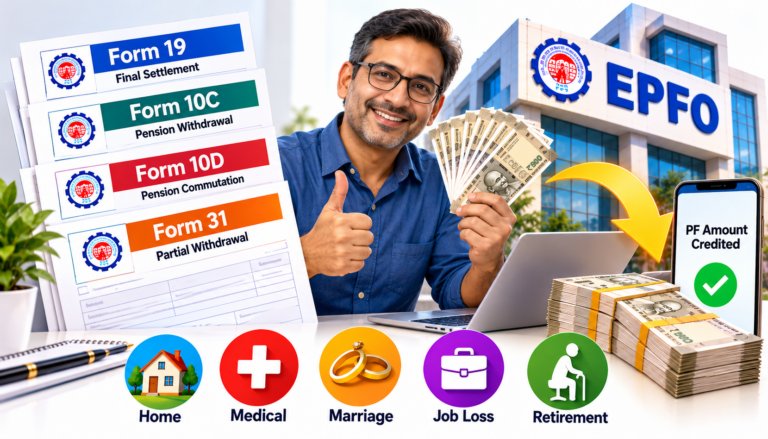
Use EPFO’s Locate Office tool — accessible via the main website or by calling 14470 — to find the nearest branch to your location. Carry photocopies of your UAN, Aadhaar, PAN card, bank passbook, and any claim-related documents you have previously submitted online. If your claim involves a medical emergency, bring a letter from the treating doctor or hospital — this qualifies you for priority processing under Form 31 (partial withdrawal for illness). Explain the portal downtime situation at the help desk; office staff are fully aware of the current maintenance window and are equipped to assist walk-in members during this period.
What to Do If Your Pre-Submitted Claim Is Stuck
Many subscribers who submitted claims before June 26 are now watching the clock anxiously, wondering if the outage has derailed their withdrawal. According to EPFO’s official clarification, no claims submitted before the maintenance period will be cancelled, rejected, or lost — processing will simply resume after the system comes back online. However, if your claim was already in an “Under Process” or “Settled” status before the outage, and you have not received the credited amount in your bank account, this is a different problem entirely.
In that scenario, your first step is to verify via SMS (Method 2 above) or the helpline (Method 3) whether the claim shows as settled on the backend. If the system shows it as settled but the money has not hit your bank, the issue is likely a bank account mismatch or NEFT transfer delay — a common problem independent of portal status. File a grievance immediately on EPFiGMS with your settlement reference and bank account details attached. EPFO will initiate a re-credit request once the portal comes back online. Document every step: keep screenshots, SMS records, and call reference numbers from the helpline. This paper trail is essential if the issue requires escalation to the regional commissioner level.
A Word on Employer-Side Issues During the Outage
If you are an HR professional, payroll manager, or employer representative reading this, note that ECR (Electronic Challan cum Return) filing and new UAN generation for fresh employees are also suspended during this maintenance window. You cannot onboard new employees to EPFO digitally until the portal restores. For urgent ECR matters, contact your EPFO regional office directly — the same walk-in method (Method 5) applies to employer queries. Keep detailed records of any contributions that would normally be filed during June 26–28 and submit them immediately upon portal restoration to avoid compliance penalties.
How to Prepare So This Never Disrupts You Again
EPFO portal outages, whether planned or unplanned, are a recurring reality for India’s largest social security organization. The real protection is preparedness. Ensure your UAN is fully KYC-compliant — Aadhaar linked, PAN seeded, and your active bank account updated — so the missed call and SMS services always work instantly. Save the numbers 011-22901406, 7738299899, and 14470 in your phone contacts right now, not when you need them. Bookmark epfigms.gov.in as a separate resource from the main portal. Download your latest e-passbook and save a PDF copy on your phone every quarter, so you always have an offline record of your balance and contributions. These four preparedness steps take less than ten minutes today but can save you enormous stress the next time a planned maintenance or unexpected server crash hits — and if history is any guide, it will.
The Bottom Line
The EPFO portal being down does not have to mean your financial life grinds to a halt. The missed call service to 011-22901406, the SMS query to 7738299899, the helpline at 14470, the independent EPFiGMS grievance portal, and your nearest EPFO physical office are all live, operational, and specifically designed for moments exactly like this. The normal web portal and UMANG app are expected to restore from June 29, 2026 and July 2, 2026 respectively. Use these five methods boldly, document every interaction, and you will have your balance confirmed, your grievance on record, and your claim on track — all without refreshing a broken login page for days on end.