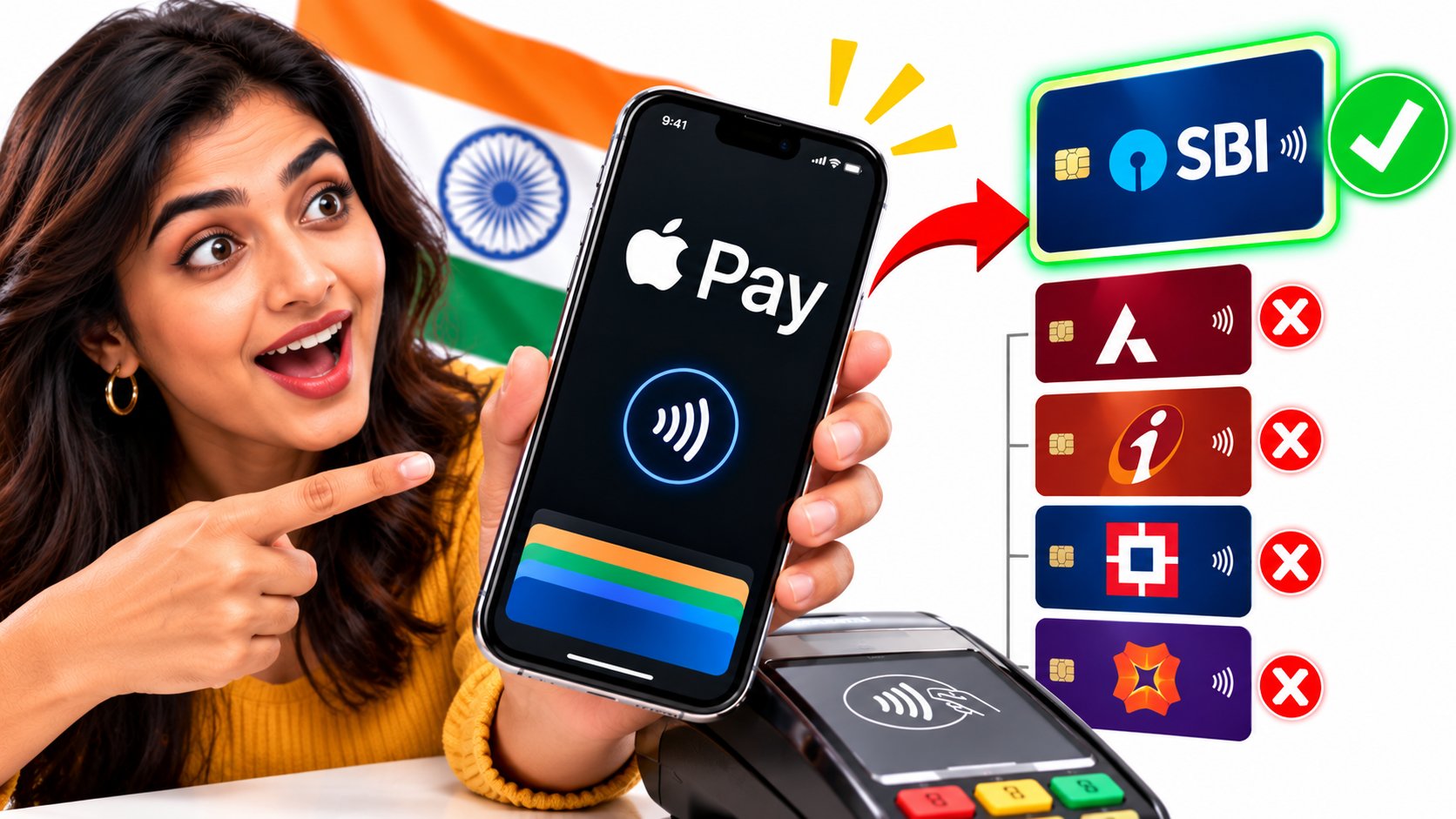
Apple Pay Is Finally Live in India — But Only One Bank’s Credit Cards Work So Far
Tech & Payments · India 2026
Apple Pay Is Finally Live in India — But Only One Bank’s Credit Cards Work So Far
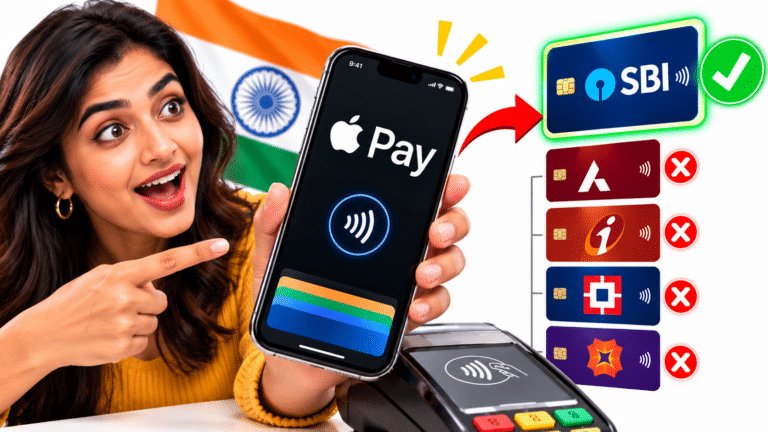
Apple Pay launched in India on September 30, 2026 with Axis Bank Visa and Mastercard credit cards. It works on iPhone XR or later and Apple Watch Series 6 or later, but RuPay, debit cards, UPI and cards from HDFC Bank, ICICI Bank and SBI Card are not supported yet.
For years, iPhone owners in India watched friends abroad tap their phones at checkout while they reached for a card, a QR code or a PIN pad. That changed on September 30, 2026, when Apple Pay went live in India, about 12 years after its US debut. The first question most people asked was simple: will it work with my card?
For most iPhone users, the honest answer is not yet. At launch, Apple Pay in India accepts only eligible Axis Bank credit cards on Visa and Mastercard. It does not handle UPI, the payment system that dominates Indian commerce, and the country’s three largest credit card issuers are still negotiating. Here is exactly what works, what does not, and why.
A Global Wallet Arrives in a UPI-First Country
Apple Pay is available in more than 90 countries and regions and works with more than 11,000 bank and network partners, according to Apple. India was one of the most conspicuous gaps. The reason was not demand. It was a payments system that grew up around something else entirely.
UPI moves money directly between bank accounts using QR codes and phone numbers. NPCI data reported by Outlook Money shows UPI processed 24.07 billion transactions worth ₹29.37 lakh crore in September 2026 alone, averaging 802 million a day. Reuters, citing a 2025 IMF report, put UPI’s share of India’s digital payment volumes at about 84%. Apple Pay, built for cards, enters a far smaller lane.
That context explains the strategy. Apple is not trying to replace UPI on day one. It is targeting the premium card spender, and Apple’s own growth in India makes that group bigger every year. Counterpoint Research, cited by TechCrunch, put Apple at 28% of India’s smartphone market by value in 2025, up from 23% a year earlier.
Which iPhone, Watch or iPad Will Actually Work
Apple’s newsroom footnote sets the floor. If your device is older than these models, or running older software, Apple Pay will not appear as an option even if you have an eligible card.
| Device | Minimum model | Minimum software | Tap in store | In apps | On the web |
|---|---|---|---|---|---|
| iPhone | iPhone XR (2018) or later | iOS 18 | Yes | Yes | Yes |
| Apple Watch | Series 6 (2020) or later | watchOS 11 | Yes | Watch apps only | No |
| iPad | Supported models | Not specified by Apple | No | Yes | Yes |
| Mac | Not yet available | Coming later | No | No | Not yet |
| Older iPhones | iPhone X or earlier | Cannot run iOS 18 | No | No | No |
The Apple Watch is the quiet winner. Once a card is added on the watch, you can pay by double-clicking the side button and holding the watch near the reader, without taking your phone out. The watch must be paired with a supported iPhone, but the payment itself happens on the wrist.
The Card Check: What You Can and Cannot Add
This is where most Indian iPhone users will be disappointed. Apple’s launch covers credit cards only, from one issuer, on two networks. Every other combination is, for now, out.
| Card or method | Add to Apple Wallet? | Pay in store | Pay online |
|---|---|---|---|
| Axis Bank Visa credit card | Yes, if eligible | Yes | Yes |
| Axis Bank Mastercard credit card | Yes, if eligible | Yes | Yes |
| Axis Bank RuPay credit card | No | No | No |
| Axis Bank debit card | Not at launch | No | No |
| HDFC, ICICI or SBI Card credit card | Not at launch | No | No |
| UPI account | No | No | No |
What people often get wrong is assuming that any card on Visa or Mastercard will work because those networks are supported. Network support is necessary but not sufficient. The issuing bank must also sign up, and in India only Axis has so far.
Adding a Card and Paying, Step by Step
If you have an eligible Axis credit card and a supported device, setup takes a few minutes. Apple says you can add the card either from the Wallet app or from the latest version of the Axis Bank app.
- Update your device. Make sure your iPhone runs iOS 18 or later and your Apple Watch runs watchOS 11 or later.
- Open Wallet and tap the plus sign. Choose to add a credit or debit card, then scan or type in your Axis card details. Alternatively, start from the Axis Bank app.
- Verify with the bank. Axis will confirm the card, typically through a one-time verification step in its app or by message.
- Pay in a shop. Double-click the side button, authenticate with Face ID, Touch ID or your passcode, and hold the phone near the contactless reader.
- Pay online or in an app. Choose Apple Pay at checkout where it appears, and confirm with Face ID, Touch ID or your passcode.
What the Shop Sees, and What It Never Gets
The strongest argument for Apple Pay is not speed. It is what stays hidden. When you add an Axis card to Apple Wallet, Apple says the card number is not stored on the device or on Apple’s servers. Instead, a unique Device Account Number is created, encrypted and stored in a dedicated chip on the device called the Secure Element.
When you pay, the merchant receives that token and a one-time security code for the transaction, not your real card number. Mastercard’s India president, Gautam Aggarwal, said in Apple’s announcement that this tokenisation means card details are never shared with merchants. If a shop’s systems were ever breached, there would be no reusable card number to steal from its records.
Three protections that matter in everyday use
- No card handover. The physical card never leaves your wallet, so it cannot be skimmed or photographed at the counter.
- Device-bound tokens. A token works only on the device where it was created. A cloned token copied elsewhere is of no use.
- Remote lock. Find My lets you lock the device or suspend Apple Pay if a phone or watch is lost, without cancelling the physical card.
Apple also says it does not keep transaction information that can be traced back to you. Your bank still sees every purchase, exactly as it would with a card swipe, and statements, rewards and disputes work the same way. What people sometimes misunderstand is that tokenisation does not change your rights as a cardholder: a wrong or fraudulent charge is still disputed with Axis Bank, not with Apple.
This is also why the arrival of Apple Pay fits neatly with India’s own card rules. Since RBI’s tokenisation framework, Indian merchants have not been allowed to store full card numbers, and many already show saved cards as tokens. Apple Pay extends that idea from websites to the physical shop counter.
Why Your Tap Might Still Fail at the Counter
A shop with a contactless card machine is not automatically an Apple Pay shop. TechCrunch reported that acceptance is uneven: a payment can succeed at one terminal and fail at another, depending on whether the terminal’s acquiring bank has enabled the service. These are the messages and situations you might meet, and what they usually mean.
| What happens | Likely reason | What to try |
|---|---|---|
| Card cannot be added | It is a RuPay, debit or non-Axis card | Use an eligible Axis Visa or Mastercard credit card |
| Apple Pay option missing | Device older than iPhone XR, or iOS below 18 | Update software or check the device model |
| Terminal declines the tap | The shop’s acquirer has not enabled Apple Pay | Pay with the physical card or UPI |
| No Apple Pay button at checkout | Merchant or payment gateway not integrated | Use card or UPI checkout instead |
| Watch payment fails | Watch older than Series 6 or not on watchOS 11 | Pay with iPhone, or update the watch |
| Payment needs extra verification | Bank’s risk checks flag an unusual or high-value purchase | Follow your bank’s prompt or call the issuer |
| Phone lost or stolen | Card tokens remain on the device | Use Find My to lock or suspend payments |
RBI’s 2025 directions list contactless payments below ₹5,000 among exemptions from the standard two-factor rule, and allow issuers to apply risk-based checks on high-value or unusual transactions. In practice, your bank may occasionally ask for more confirmation even when Apple Pay itself does not.
The 5-Basis-Point Standoff Keeping Big Banks Out
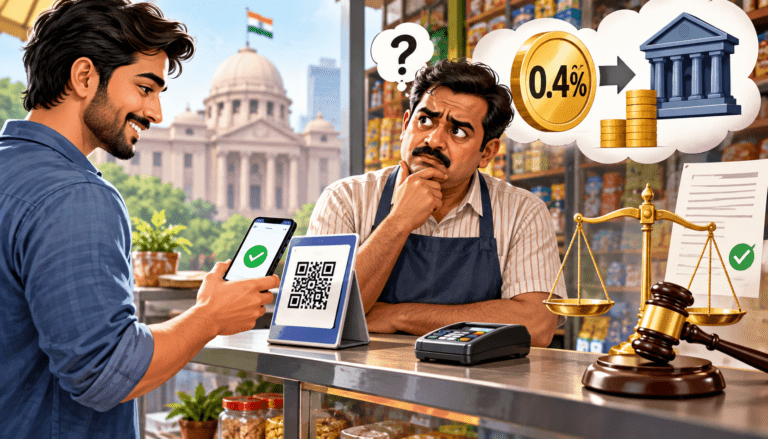
Why would HDFC Bank, ICICI Bank and SBI Card, which together issue most of India’s credit cards, stay out? Reports point to money. TechCrunch reported that Apple seeks about 20 basis points, or 0.2%, per transaction, and Kotak Neo reported that some large banks were willing to pay about 15 basis points. TechCrunch also noted that the payments-layer margin in India is only about 40 to 50 basis points.
Five basis points sounds tiny. On the scale of India’s biggest issuers, it is not. The table below shows a hypothetical upper bound: what each issuer would pay Apple each month if all of its July 2026 card spending ran through Apple Pay. In reality only a fraction would, but the arithmetic shows why banks negotiate hard.
| Issuer | July 2026 card spend | At 15 bps | At 20 bps | Gap per month |
|---|---|---|---|---|
| HDFC Bank | ₹60,218 cr | ₹90.3 cr | ₹120.4 cr | ₹30.1 cr |
| SBI Card | ₹39,592 cr | ₹59.4 cr | ₹79.2 cr | ₹19.8 cr |
| ICICI Bank | ₹34,025 cr | ₹51.0 cr | ₹68.1 cr | ₹17.0 cr |
| Axis Bank | ₹23,825 cr | ₹35.7 cr | ₹47.6 cr | ₹11.9 cr |
| All issuers | ₹2,08,000 cr | ₹312 cr | ₹416 cr | ₹104 cr |
Twelve Years From Cupertino to Mumbai
Apple Pay’s path to India ran through Indian regulation as much as through Apple’s own plans. Card tokenisation rules, recurring-payment mandates and, finally, biometric authentication rules all shaped when and how it could arrive.
Apple Pay or UPI: Which Should You Reach For?
For most purchases in India, UPI remains the default and will stay that way. It works with almost every bank account, at almost every shop with a QR code, and costs merchants nothing. Apple Pay is better thought of as a faster, more private way to use a credit card you would have used anyway.
When Apple Pay makes sense
- You hold an eligible Axis credit card and want its rewards, interest-free period or purchase protection.
- You are at a large retailer or app that has enabled Apple Pay, such as Croma, Zomato, Blinkit or an Apple Store.
- You prefer not to hand over a physical card, or to type card details into a website.
When UPI is the better choice
- You are at a small shop, street vendor or any merchant without an enabled contactless terminal.
- You want to pay straight from a bank account, or your cards are from HDFC, ICICI, SBI Card or on RuPay.
- You are paying a person rather than a merchant.
NPCI has also introduced a tap-and-pay option for UPI, Reuters noted, which means contactless payments in India may not belong to cards alone for long. That is part of what makes the next phase of Apple Pay’s India story worth watching.
Your Pre-Tap Checklist
Frequently Asked Questions
Is Apple Pay available in India now?
Yes. Apple Pay launched in India on September 30, 2026. At launch it supports eligible Axis Bank Visa and Mastercard credit cards on iPhone, Apple Watch and iPad. Mac support is coming later, and other banks have not yet been announced.
Which banks support Apple Pay in India?
Only Axis Bank at launch. HDFC Bank, ICICI Bank and SBI Card did not join, with reports citing unresolved commercial terms over the per-transaction fee. Apple has not given a timeline for adding more Indian banks.
Does Apple Pay work with UPI in India?
No. Apple Pay in India is card-based and does not support UPI. You cannot link a UPI account to Apple Wallet. For UPI payments, continue to use a UPI app on your iPhone.
Can I add a RuPay or debit card to Apple Pay in India?
Not at launch. Apple’s announcement covers Axis Bank Visa and Mastercard credit cards only. RuPay cards, including Axis-issued RuPay cards, and debit cards cannot be added yet.
Which iPhones support Apple Pay in India?
Apple Pay in India works on iPhone XR or later running iOS 18 or later. Apple Watch Series 6 or later on watchOS 11 or later is also supported for tap-to-pay, when paired with a supported iPhone. iPad supports in-app and web payments.
Do I need an OTP or PIN to use Apple Pay in India?
Apple says no card PIN or OTP is needed at checkout. You authenticate with Face ID, Touch ID or your device passcode. RBI’s 2025 authentication directions recognise biometrics as a valid factor, though your bank may still ask for extra verification on unusual or high-value transactions.
Are there any charges for using Apple Pay in India?
Apple has not announced any charge for cardholders, and says users keep their card’s rewards and benefits. Reports say Apple charges issuing banks a fee of about 0.2% per transaction, but that is paid by the bank, not by you.
Where can I use Apple Pay in India?
At merchants and terminals that have enabled it, including Apple Store, Croma, Zomato, Blinkit, Ixigo, Tata 1mg and Reliance brands, according to Apple. Acceptance depends on the shop’s acquiring bank, so a contactless machine does not guarantee Apple Pay will work.
The Short Version
Apple Pay went live in India on September 30, 2026, but only for eligible Axis Bank Visa and Mastercard credit cards. It works on iPhone XR or later with iOS 18, Apple Watch Series 6 or later with watchOS 11, and iPad for apps and the web. RuPay, debit cards, UPI and cards from HDFC Bank, ICICI Bank and SBI Card are not supported, reportedly because banks and Apple disagree over a fee of 15 versus 20 basis points. If you have an eligible card, it is a faster and more private way to pay where it is accepted. Everyone else should keep using UPI and watch for new banks.