Photo by PhotoMIX Company on <a href="https://www.pexels.com/photo/person-using-black-and-white-smartphone-and-holding-blue-card-230544/" rel="nofollow">Pexels.com</a>
Introduction
In the evolving landscape of e-commerce, dropshipping has emerged as a popular business model, allowing entrepreneurs to start online stores with minimal upfront investment. Dropshipping eliminates the need for inventory management and warehousing by transferring order fulfilment responsibilities to a third party. Coupled with the vast marketplace of Amazon, this model offers a potent opportunity for those looking to venture into the world of online retail. This comprehensive guide will walk you through the process of setting up a dropshipping store and selling on Amazon, covering essential steps, strategies, and best practices.
Understanding Dropshipping
What is Dropshipping?
Dropshipping is a retail fulfilment method where an online store does not keep the products it sells in stock. Instead, when a store sells a product, it purchases the item from a third party—usually a wholesaler or manufacturer—and has it shipped directly to the customer. As a result, the seller doesn’t handle the product directly.
Advantages of Dropshipping
- Low Start-up Costs: No need to purchase inventory upfront.
- Reduced Overhead: No warehousing or storage costs.
- Wide Product Selection: Easily offer a diverse range of products.
- Scalability: Easier to scale without worrying about inventory management.
Challenges of Dropshipping
- Lower Margins: Higher competition and lower profit margins.
- Inventory Issues: Stock availability can be unpredictable.
- Shipping Complexities: Managing multiple suppliers and shipping times.
- Supplier Errors: Mistakes made by suppliers can impact your business.
Setting Up a Dropshipping Store
Step 1: Choose Your Niche
Selecting a niche is crucial for the success of your dropshipping business. Consider the following factors:
- Market Demand: Use tools like Google Trends and Amazon Best Sellers to identify trending products.
- Competition: Analyse the competition in your chosen niche using platforms like Ahrefs and SEMrush.
- Profitability: Ensure there are enough margins after covering product costs, shipping, and Amazon fees.
Step 2: Conduct Market Research
In-depth market research helps you understand your target audience and their purchasing behavior. Tools like SurveyMonkey and social media polls can provide valuable insights. Analyze competitors’ strengths and weaknesses, and identify gaps you can fill.
Step 3: Find Reliable Suppliers
Finding trustworthy suppliers is critical for your dropshipping business. Platforms like AliExpress, Oberlo, and SaleHoo connect you with suppliers offering a wide range of products. Vet suppliers based on their reliability, product quality, shipping times, and customer service.
Step 4: Set Up Your E-commerce Store
There are several platforms where you can create your dropshipping store, including Shopify, WooCommerce, and BigCommerce. Shopify is particularly popular due to its ease of use and extensive app ecosystem.
- Choose a Domain Name: Select a memorable and brandable domain name for your store.
- Design Your Store: Use themes and templates to create a professional-looking store. Customize it to reflect your brand identity.
- Install Essential Apps: Integrate apps for product sourcing, order management, customer service, and marketing.
Step 5: List Your Products
List your products with detailed descriptions, high-quality images, and competitive pricing. Use keywords effectively to optimize your product listings for search engines. Ensure that your listings highlight the unique selling points and benefits of the products.
Step 6: Set Up Payment Gateways
Integrate secure and reliable payment gateways like PayPal, Stripe, and Amazon Pay. Ensure that your checkout process is smooth and user-friendly to reduce cart abandonment rates.
Step 7: Establish Shipping Policies
Clearly define your shipping policies, including shipping times, costs, and return policies. Transparency in shipping policies builds trust with customers and sets clear expectations.
Step 8: Launch and Market Your Store
Promote your store through various marketing channels such as social media, email marketing, influencer collaborations, and paid advertising. Use tools like Google Analytics and Facebook Ads Manager to track your marketing efforts and optimize campaigns.
Selling on Amazon
Step 1: Create an Amazon Seller Account
Sign up for an Amazon Seller account by choosing between the Individual and Professional selling plans. The Professional plan is recommended for those planning to sell more than 40 items per month.
Step 2: Understand Amazon’s Policies
Familiarize yourself with Amazon’s dropshipping policy. Ensure compliance to avoid potential account suspensions. Amazon requires sellers to be the seller of record and handle customer returns.
Step 3: List Your Products on Amazon
Optimize your product listings for Amazon’s search algorithm (A9) by using relevant keywords, clear product titles, bullet points, and detailed descriptions. Use high-quality images that comply with Amazon’s image guidelines.
Step 4: Set Competitive Pricing
Use reprising tools to adjust your prices automatically based on competitors’ pricing. Competitive pricing helps you win the Buy Box, which is crucial for increasing sales on Amazon.
Step 5: Manage Inventory and Orders
Use inventory management tools to keep track of stock levels and avoid overselling. Automate order fulfilment by integrating your store with Amazon’s order management system.
Step 6: Provide Excellent Customer Service
Maintain a high level of customer service to build a positive reputation on Amazon. Respond to customer inquiries promptly, handle returns efficiently, and address any issues professionally.
Step 7: Use Amazon Advertising
Invest in Amazon’s advertising options, such as Sponsored Products, Sponsored Brands, and Sponsored Display Ads, to increase visibility and drive sales. Monitor ad performance and adjust your campaigns to maximize ROI.
Step 8: Monitor Performance and Adjust Strategies
Regularly review your sales performance, customer feedback, and return rates. Use Amazon’s Seller Central dashboard to track key metrics and identify areas for improvement. Adjust your strategies based on data insights to enhance your store’s performance.
Conclusion
Building a successful dropshipping store and selling on Amazon requires careful planning, strategic execution, and continuous optimization. By choosing the right niche, conducting thorough market research, and leveraging reliable suppliers, you can create a profitable dropshipping business. Integrating your store with Amazon and adhering to its policies will expand your reach and boost sales. Focus on providing excellent customer service, utilizing effective marketing strategies, and continuously monitoring your performance to achieve long-term success in the competitive world of e-commerce.
Frequently Asked Questions
1. What is Dropshipping, and how does it work?
Answer: Dropshipping is a retail fulfilment method where an online store does not keep the products it sells in stock. Instead, when a store sells a product, it purchases the item from a third-party supplier, who then ships it directly to the customer. This eliminates the need for inventory management and warehousing by the seller.
2. What are the key advantages of dropshipping?
Answer: The main advantages of dropshipping include low start-up costs, reduced overhead expenses, a wide selection of products to offer, and scalability. Since you don’t need to purchase inventory upfront or manage a warehouse, it’s easier to start and grow your business.
3. How do I choose the right niche for my dropshipping store?
Answer: Selecting a niche involves considering market demand, competition, and profitability. Use tools like Google Trends and Amazon Best Sellers to identify trending products, analyse competitors using platforms like Ahrefs and SEMrush, and ensure there are enough profit margins after covering all costs.
4. How can I find reliable suppliers for my dropshipping business?
Answer: Platforms like AliExpress, Oberlo, indiaMart and SaleHoo can help you find trustworthy suppliers. Vet potential suppliers based on their reliability, product quality, shipping times, and customer service to ensure they meet your business needs.
5. What are the essential steps to set up an e-commerce store for dropshipping?
Answer: Key steps include choosing a niche, conducting market research, finding reliable suppliers, setting up your e-commerce store on platforms like Shopify or WooCommerce, listing your products, integrating payment gateways, establishing shipping policies, and launching and marketing your store.
6. How do I create an Amazon Seller account and list my products?
Answer: Sign up for an Amazon Seller account, choosing between the Individual and Professional selling plans. Once registered, optimize your product listings using relevant keywords, clear titles, bullet points, detailed descriptions, and high-quality images that comply with Amazon’s guidelines.
7. How can I price my products competitively on Amazon?
Answer: Use reprising tools to automatically adjust your prices based on competitors’ pricing. Competitive pricing is crucial for winning the Buy Box, which significantly increases your chances of making sales on Amazon.
8. What are some effective marketing strategies for promoting my dropshipping store?
Answer: Promote your store through social media, email marketing, influencer collaborations, and paid advertising. Utilize tools like Google Analytics and Facebook Ads Manager to track and optimize your marketing campaigns for better results.
9. How do I ensure excellent customer service when dropshipping?
Answer: Provide prompt responses to customer inquiries, handle returns efficiently, and address any issues professionally. Maintaining high customer service standards helps build a positive reputation and trust with your customers.
10. What tools can help me manage my dropshipping business and sales on Amazon?
Answer: Use inventory management tools to track stock levels and avoid overselling. Integrate your store with Amazon’s order management system for automated order fulfilment. Additionally, invest in Amazon advertising options like Sponsored Products and Sponsored Brands to increase visibility and sales.
-

Sensex Rockets 1,233 Points on Reliance’s Record Day. Can Nifty Crack 23,500 as US Midterms Begin?
Sensex Rockets 1,233 Points on Reliance’s Record Day. Can Nifty Crack 23,500 as US Midterms Begin? Pre-market edition, Tuesday 3 November 2026. Closing data is as of market close, Monday 2 November 2026; global cues as of about 8:15 AM IST, 3 November. Quick Summary: Monday’s Scorecard (2 Nov 2026 close) BSE Sensex: 75,692.78, up…
-

HDFC Large Cap Fund at 30: How a ₹10,000 Monthly SIP Became ₹8.46 Crore — and What New Investors Can Realistically Expect
HDFC Large Cap Fund at 30: How a ₹10,000 Monthly SIP Became ₹8.46 Crore — and What New Investors Can Realistically Expect Mutual fundsLarge cap30-year record HDFC Large Cap Fund at 30: How a ₹10,000 Monthly SIP Became ₹8.46 Crore — and What New Investors Can Realistically Expect HDFC Mutual Fund says a ₹10,000 SIP…
-

Your SIP Corpus Has Grown: When Should Your Strategy Change — and What Should Change First?
Your SIP Corpus Has Grown: When Should Your Strategy Change — and What Should Change First? Mutual funds · SIP planning · India 2026 Your SIP Corpus Has Grown: When Should Your Strategy Change — and What Should Change First? After about seven to ten years, the market’s moves start to matter far more than…
-
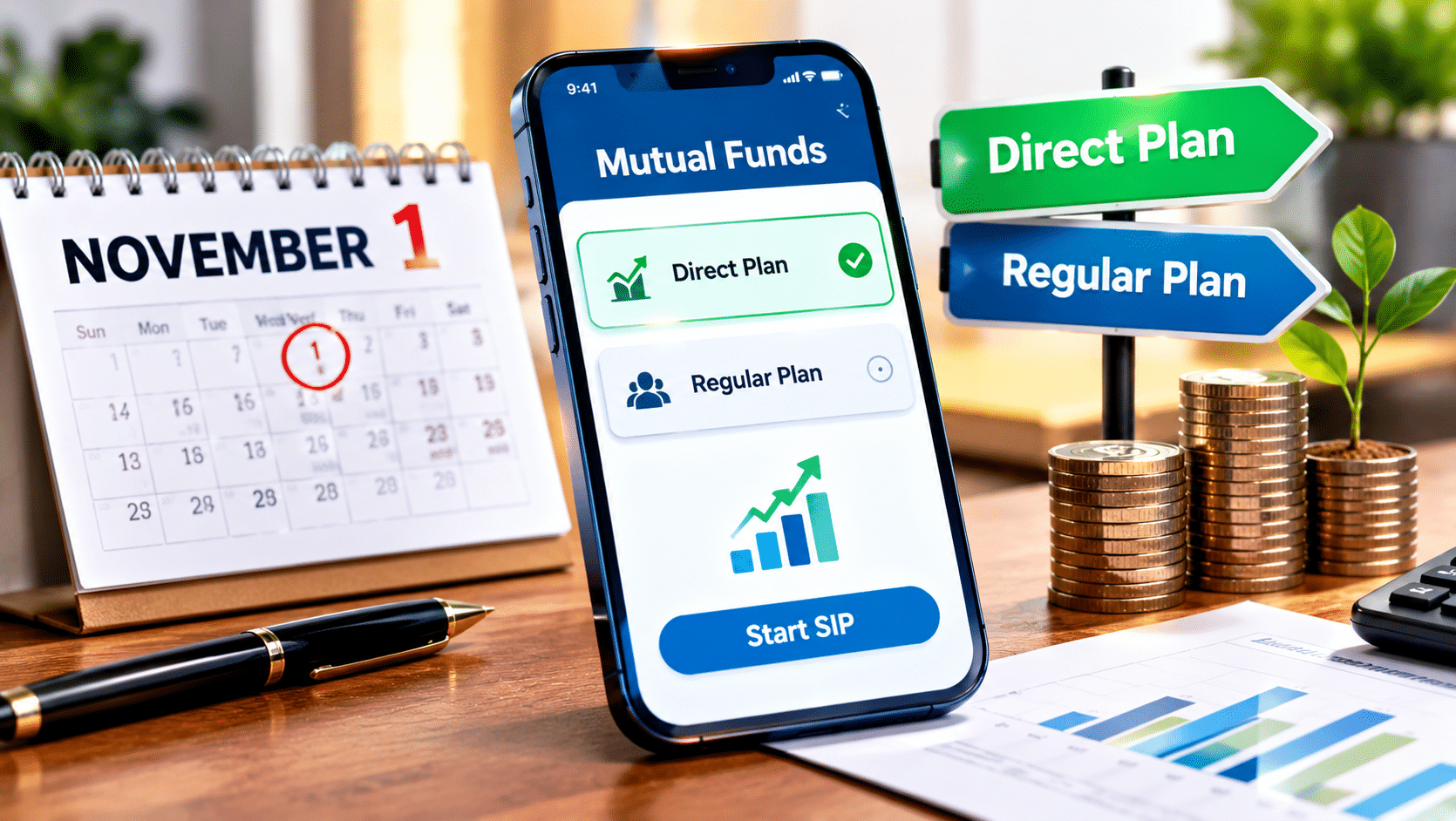
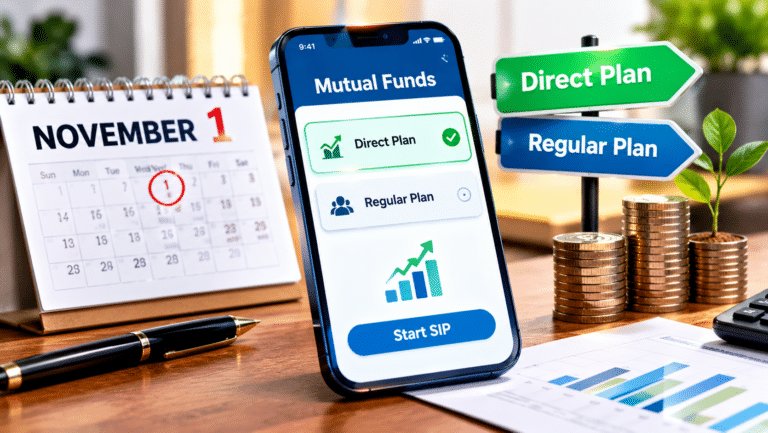
SEBI’s 1 November Mutual Fund Rule: Direct Plans Become the Default on AMC Apps — What Changes for Your SIP?
SEBI’s 1 November Mutual Fund Rule: Direct Plans Become the Default on AMC Apps — What Changes for Your SIP? Mutual funds · Regulation · India 2026 SEBI’s 1 November Mutual Fund Rule: Direct Plans Become the Default on AMC Apps — What Changes for Your SIP? New purchases on fund house websites and apps…
-

Auto Sweep vs Liquid Fund vs Overnight Fund: Where Should Idle Cash Sit After the RBI’s October Hike?
Auto Sweep vs Liquid Fund vs Overnight Fund: Where Should Idle Cash Sit After the RBI’s October Hike? Personal finance · Cash management · India 2026 Auto Sweep vs Liquid Fund vs Overnight Fund: Where Should Idle Cash Sit After the RBI’s October Hike? SBI’s savings rate is 2.50% while liquid funds yield about 6.44%…
-

Debt Consolidation in India: Can One Loan Make Repayment Easier — and When Does It Quietly Cost More?
Debt Consolidation in India: Can One Loan Make Repayment Easier — and When Does It Cost More? Personal finance · Loans · India 2026 Debt Consolidation in India: Can One Loan Make Repayment Easier — and When Does It Quietly Cost More? Swapping several EMIs and card dues for one cheaper loan can save lakhs,…
-
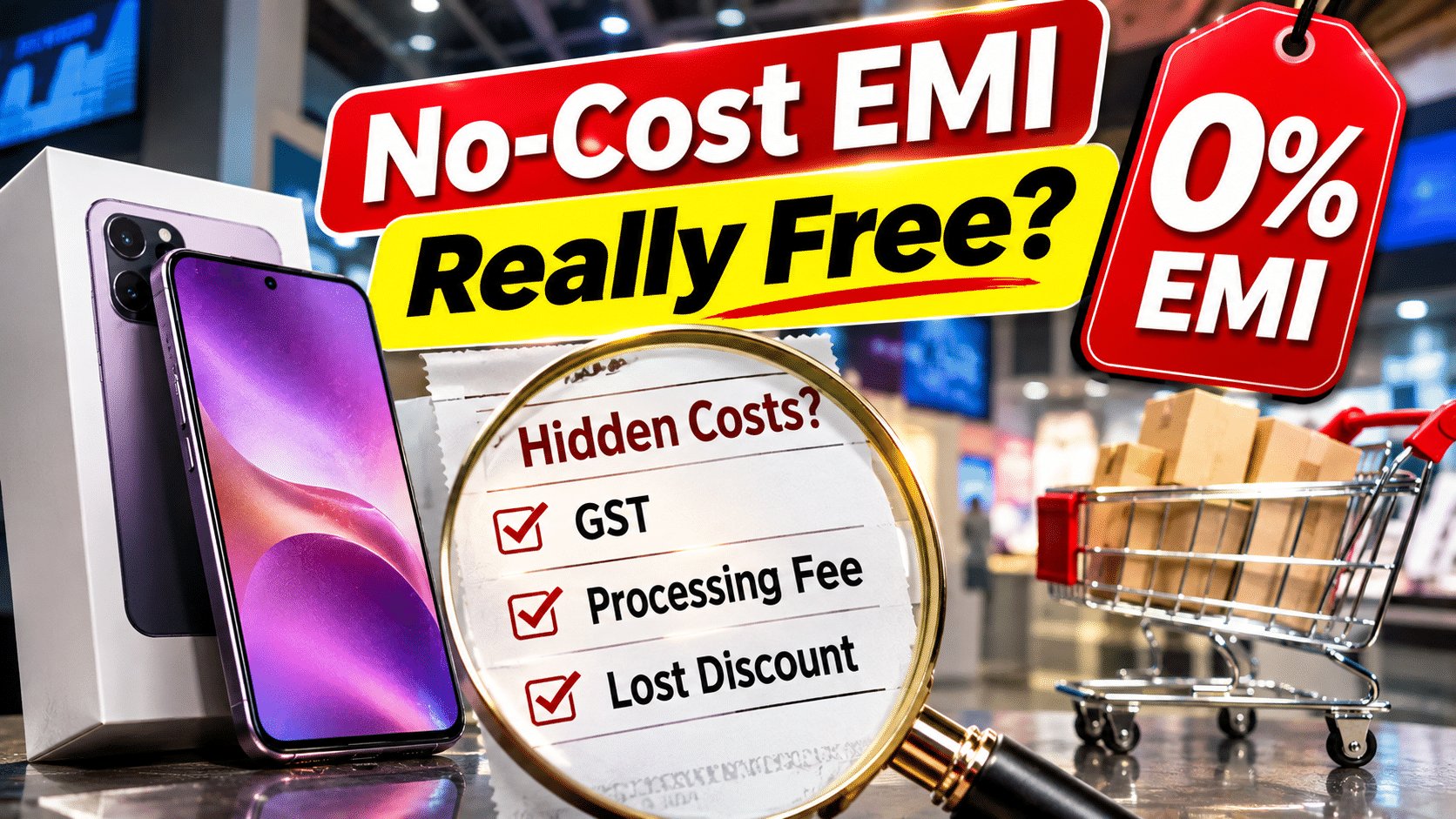
Is No-Cost EMI Really Free? The GST, Fees and Lost Discounts Hidden in ‘0%’ Offers — and When It Still Makes Sense
Is No-Cost EMI Really Free? The GST, Fees and Lost Discounts Hidden in ‘0%’ Offers — and When It Still Makes Sense Credit Cards · Consumer Loans · Festive Shopping 2026 Is No-Cost EMI Really Free? The GST, Fees and Lost Discounts Hidden in ‘0%’ Offers — and When It Still Makes Sense No-cost EMI…
-

Medical Emergency Planning Mistakes That Cost Families Lakhs — and the First-Hour Plan That Prevents Them
Medical Emergency Planning Mistakes That Cost Families Lakhs — and the First-Hour Plan That Prevents Them HealthMoney PlanningIndia 2026 Medical Emergency Planning Mistakes That Cost Families Lakhs — and the First-Hour Plan That Prevents Them Health insurance now reaches nearly half of Indians, yet families still paid an average ₹34,064 out of pocket per hospital…
-

Family Floater vs Individual Health Insurance — Which Costs Less, and When Does One Shared Pool Become a Risk?
Family Floater vs Individual Health Insurance — Which Costs Less, and When Does One Shared Pool Become a Risk? Health Insurance · Family Planning · 2026 Family Floater vs Individual Health Insurance — Which Costs Less, and When Does One Shared Pool Become a Risk? A family floater can cost far less than separate policies…
-

Is Your Company Health Cover Enough? Why Salaried Employees Need a Personal Policy Too — and How Much to Buy
Is Your Company Health Cover Enough? Why Salaried Employees Need a Personal Policy Too — and How Much to Buy Health Insurance · Salaried Employees · India 2026 Is Your Company Health Cover Enough? Why Salaried Employees Need a Personal Policy Too — and How Much to Buy Employer group policies cover nearly half of…